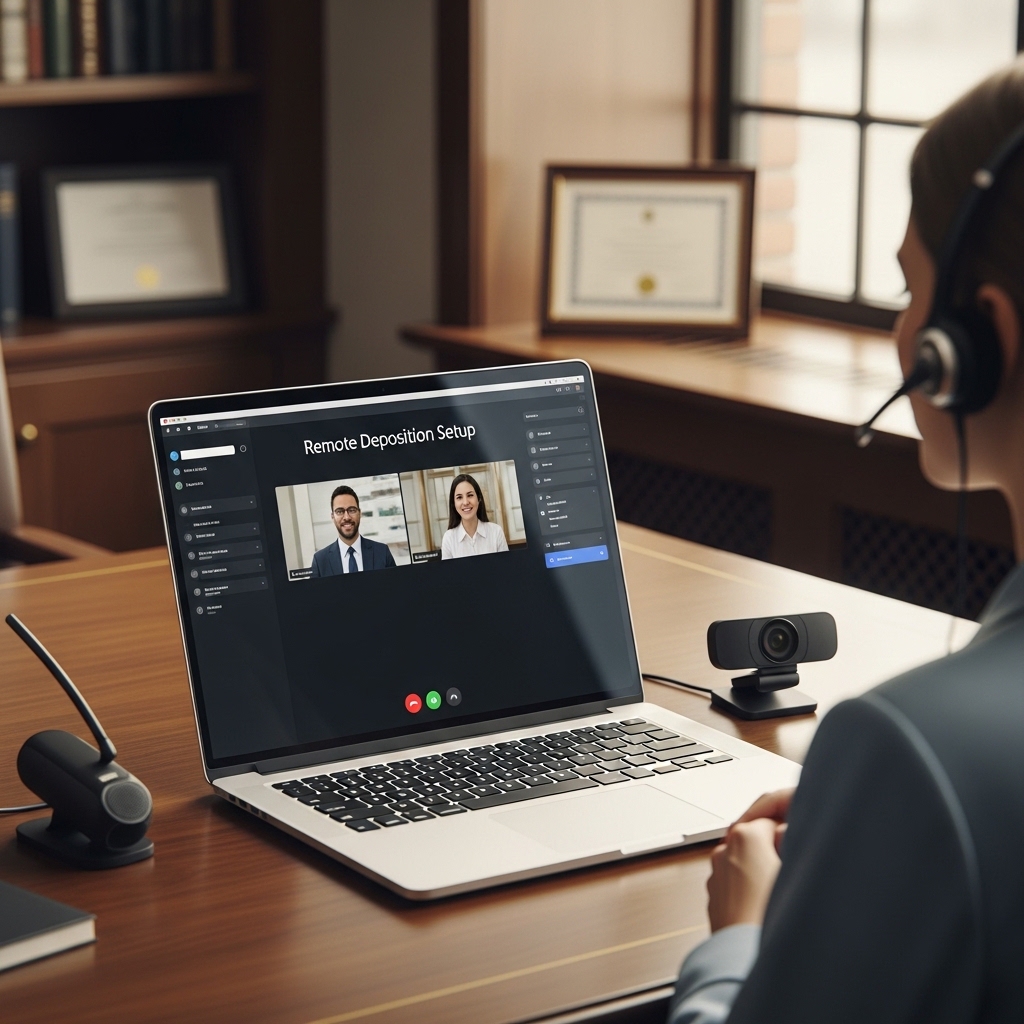
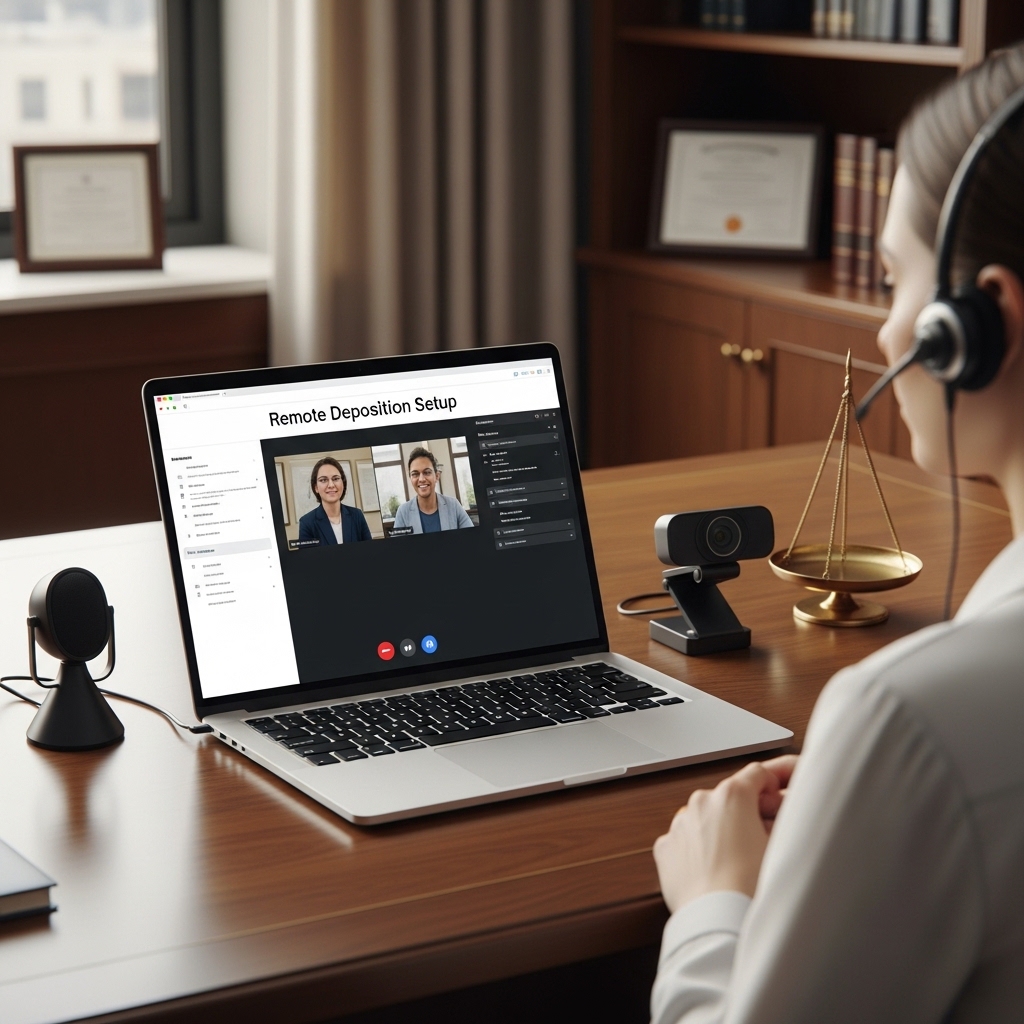
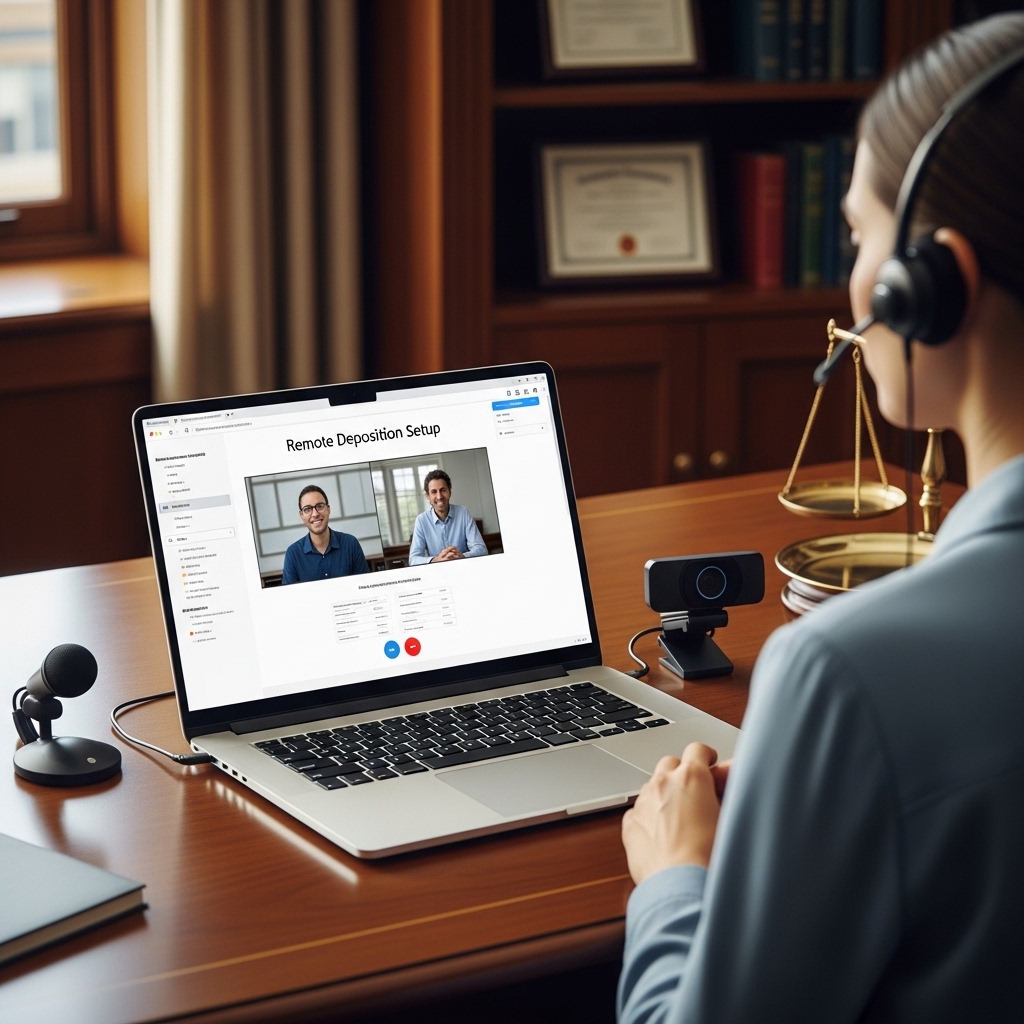
Remote Deposition Technology Setup System
The Complete Technical Infrastructure, Platform Configuration, and Professional Protocol Guide for Court Reporters Conducting Depositions in the Remote Environment
💻 WHAT HAPPENED IN 2020 CHANGED THE DEPOSITION PERMANENTLY
Remote depositions went from an occasional convenience to a daily professional reality in a matter of weeks during 2020. The court reporters who adapted fastest were the ones who built technical systems quickly — the home office configuration, the platform expertise, the exhibit handling workflow, the backup protocol — while continuing to deliver the professional accuracy their clients expected.
Four years later, the remote deposition is a permanent part of the profession. Attorneys who spent their entire prior career requiring in-person depositions now schedule remote depositions as a default for witnesses in other jurisdictions, for efficiency on straightforward discovery depositions, and for witnesses whose schedules or health circumstances make in-person appearance impractical.
The professional infrastructure for remote depositions has evolved from improvised to systematized — but the systematization is uneven. Some reporters have built highly optimized remote deposition setups producing results that equal or exceed the accuracy and professionalism of in-person work. Others are still working around technical limitations, managing exhibit handling inefficiencies, and navigating platform issues that a properly configured system would eliminate.
This system closes the gap. Every technical component. Every platform configuration. Every protocol.
📥 Zburător Support digital exclusive. All files available immediately.
THE SYSTEM — COMPONENT BY COMPONENT
COMPONENT ONE: THE TECHNICAL INFRASTRUCTURE
The Audio System for Remote Depositions
The audio quality in a remote deposition determines the transcript quality — more directly than in an in-person environment, because the audio processing chain is longer (the speaker’s microphone, their network, the platform’s audio codec, the reporter’s network, the reporter’s audio input) and each step in the chain can introduce degradation.
The professional audio setup for remote deposition reporters:
The microphone: The USB condenser microphone versus the dynamic microphone for the reporter’s own audio (the reporter is not typically the primary speaker in a deposition, but their readback, interruptions for clarification, and administrative communications require clear audio). The microphone specifications for optimal voice capture in a home or office environment. The placement and distance recommendations, the pop filter for eliminating plosive sounds that can affect real-time audio monitoring, and the room treatment approach for reducing reverb in typical home office environments (the soft furnishing placement that dampens sound reflection without requiring acoustic treatment panels).
The audio monitoring setup: The headphones for monitoring the deposition audio — the over-ear, closed-back design that provides isolation from ambient room noise and allows the reporter to clearly hear audio that may be compromised by the witness’s or attorney’s microphone quality. The audio interface for reporters using professional microphone setups. The gain structure — the input level calibration that maximizes audio quality without clipping on raised voices.
The audio troubleshooting protocol: The diagnostic process for common remote deposition audio problems — the feedback loop (the cause and the immediate fix), the echo issue (the cause in different platform configurations and the fixes at the platform level versus the hardware level), the clipping distortion (the overcooking of input gain that creates distorted audio), and the audio dropout (the network quality issue versus the platform issue versus the hardware issue — the diagnostic pathway that identifies the correct fix). 🔧
The Video and Visual Setup
The video configuration for the reporter in a remote deposition: the camera placement (the eye-level camera that produces a professional, direct-gaze appearance rather than the below-desk camera angle that communicates informality), the lighting setup (the key light placement and the fill light for eliminating the shadow side that flat front-lit setups produce), the background management (the neutral, professional background options — the physical background choices, the virtual background limitations for court reporters whose credentialing and professional appearance affect client confidence), and the internet connection requirements (the minimum upload and download speed specifications for reliable remote deposition participation, the wired ethernet versus WiFi recommendation and the reasons behind it).
The CAT Software Remote Configuration
The configuration of the CAT (Computer-Aided Transcription) software for remote deposition work: the audio input routing (the routing of the platform audio feed into the CAT software’s audio input, the considerations for different platform audio architectures), the realtime feed setup for remote depositions (the cloud-based realtime feed configuration that delivers the realtime transcript to authorized recipients regardless of their location), and the exhibit integration workflow (the handling of exhibits in the remote environment — the received exhibit screenshot protocol, the exhibit numbering workflow, and the transcript annotation for exhibits introduced during the deposition).
COMPONENT TWO: THE PLATFORM CONFIGURATION GUIDE
Zoom for Remote Depositions
The Zoom configuration that optimizes the platform for the deposition context rather than the general meeting context:
The account settings for depositions: The recording settings (the cloud recording versus local recording decision, the separate audio file recording that provides a backup audio record, the recording consent compliance settings), the waiting room configuration for controlling participant access, the co-host settings for the attorney managing exhibits, the annotation and whiteboard disabling for depositions where exhibit control is managed externally, and the breakout room setup for attorney-client conference breaks.
The audio settings optimization: The original sound mode for music setting (the configuration that reduces Zoom’s audio processing, which can degrade audio quality for transcription purposes by introducing artifacts that affect CAT software recognition), the echo cancellation and noise suppression settings at the correct levels for deposition environments, and the high fidelity music mode considerations.
The video settings optimization: The virtual background settings and their interaction with the deponent’s video quality assessment, the spotlight feature for controlling the primary video display during testimony, and the HD video settings for the session. 📱
Veritext Virtual, Esquire Deposition Solutions, and Platform-Specific Guides
The configuration guides for the major legal deposition platforms that have developed remote deposition environments with reporter-specific functionality: the exhibit handling tools, the reporter administration panel, the certification and seal integration, and the realtime feed delivery through platform-specific channels.
The Platform Backup Protocol
The redundancy system for remote depositions: the backup platform (the secondary platform configured and tested in case the primary platform fails mid-deposition), the backup audio recording (the standalone audio recording that runs independently of the platform as a backup record), the backup internet connection (the mobile hotspot as the secondary internet connection for network failure situations), and the technical failure protocol (the communication script for declaring a technical recess when a failure cannot be resolved within the deposition proceeding without interruption).
COMPONENT THREE: THE REMOTE DEPOSITION PROTOCOL GUIDE
The Pre-Deposition Technical Check
The thirty-minute pre-deposition protocol that catches technical problems before the proceeding begins:
The platform test session: The test meeting conducted thirty minutes before the deposition start, with the attorney notary connection test (the video and audio quality assessment for each participant who will appear in the deposition), the exhibit sharing protocol test (the document sharing workflow test to confirm the exhibit handling system works before any exhibit is needed), and the realtime feed delivery test (the confirmation that authorized realtime viewers can access the feed).
The audio quality assessment: The assessment of each participant’s audio quality in the pre-deposition test — the identification of participants with microphone or room issues, the participant coaching for audio improvement (the brief guidance given to witnesses and attorneys whose audio is problematic — the headphone recommendation, the distance adjustment, the microphone selection guidance), and the documentation of known audio quality limitations before the proceeding begins.
The Oath Administration in Remote Proceedings
The jurisdictional variation in oath administration requirements for remote depositions: the states and jurisdictions where the court reporter can administer the oath to a remote witness, the states where a local officer is required, and the documentation requirements for the oath certification in the transcript. The compliance guide organized by state. ⚖️
The Exhibit Handling Protocol
The remote deposition exhibit management system: the pre-marked exhibit approach (the pre-deposition delivery of exhibits to the reporter in digital form, the pre-marking in the transcript before the deposition begins), the real-time exhibit introduction (the screen sharing workflow, the exhibit number assignment, and the transcript notation for exhibits introduced during testimony), the exhibit receipt and marking for documents the witness produces during the deposition, and the exhibit list maintenance and post-deposition delivery protocol.
The Interruption and Clarification Protocol
The communications protocol for the remote reporter: the interruption approach for inaudible testimony (the language and method for requesting a repeat without disrupting the flow of examination unnecessarily), the readback request management in the remote environment (the pause and replay versus the reporter readback decision based on the platform recording quality), and the off-the-record communication with counsel during remote proceedings. 📋
COMPONENT FOUR: THE HOME OFFICE SETUP GUIDE
The Physical Environment
The home office configuration for professional remote deposition work: the room selection (the acoustic and visual considerations for the room used for remote depositions), the desk and monitor configuration (the monitor height, the keyboard placement, and the second monitor setup for simultaneous display of the CAT software and the platform video), the lighting equipment and placement, and the cable management for the professional appearance in the video frame.
The Security and Confidentiality Protocols
The security measures appropriate for the home-based delivery of confidential legal proceedings: the network security (the password-protected WiFi, the VPN usage for sensitive matters), the physical security (the closed door, the household members briefed on deposition schedules), the data security (the encrypted storage for deposition audio and realtime files, the file deletion protocol for platform-recorded files after transcript delivery), and the HIPAA compliance considerations for depositions in healthcare litigation.
📂 COMPLETE ZBURĂTOR SUPPORT FILE SUITE
💻 Complete Remote Deposition Technology Setup System PDF | 🔧 Audio Troubleshooting Decision Tree (PDF) | 📱 Platform Configuration Guide — Zoom, Veritext Virtual, and others (PDF) | ✅ Pre-Deposition Technical Checklist (editable) | ⚖️ Remote Oath Administration Jurisdictional Guide (PDF) | 📋 Exhibit Handling Protocol and Log Template (editable) | 🔒 Home Office Security Protocol Checklist (editable)
100% digital. Instant download from Zburător Support. The technical infrastructure that makes remote depositions professional — not provisional.

Reviews
There are no reviews yet.